
Media Intelligence Product Tours
Get a guided look at Media Intelligence, then explore use case tours for brand monitoring, crisis response, and more.
Talk to SalesReady to explore?

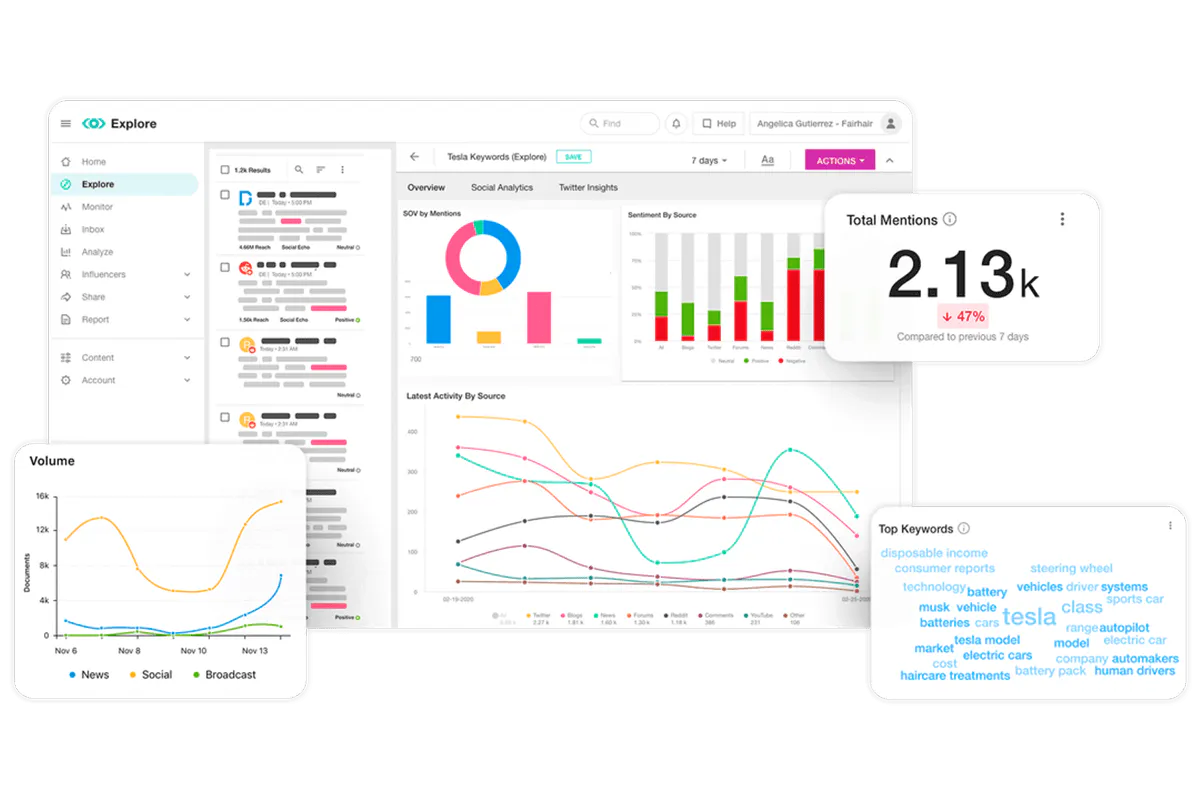
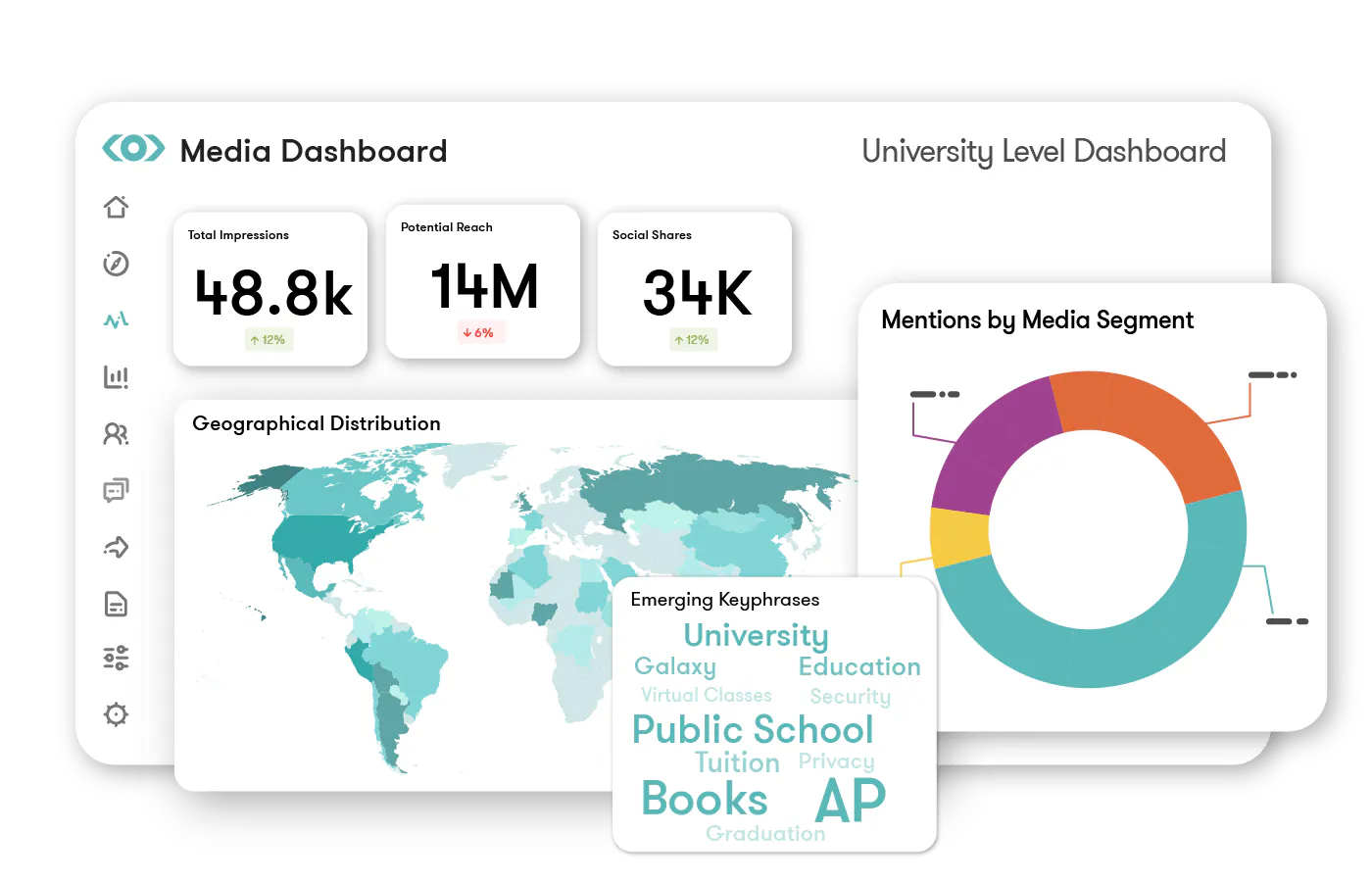
Brand monitoring & management
Track coverage and sentiment, and turn monitoring into action.
Crisis comms & reputation management
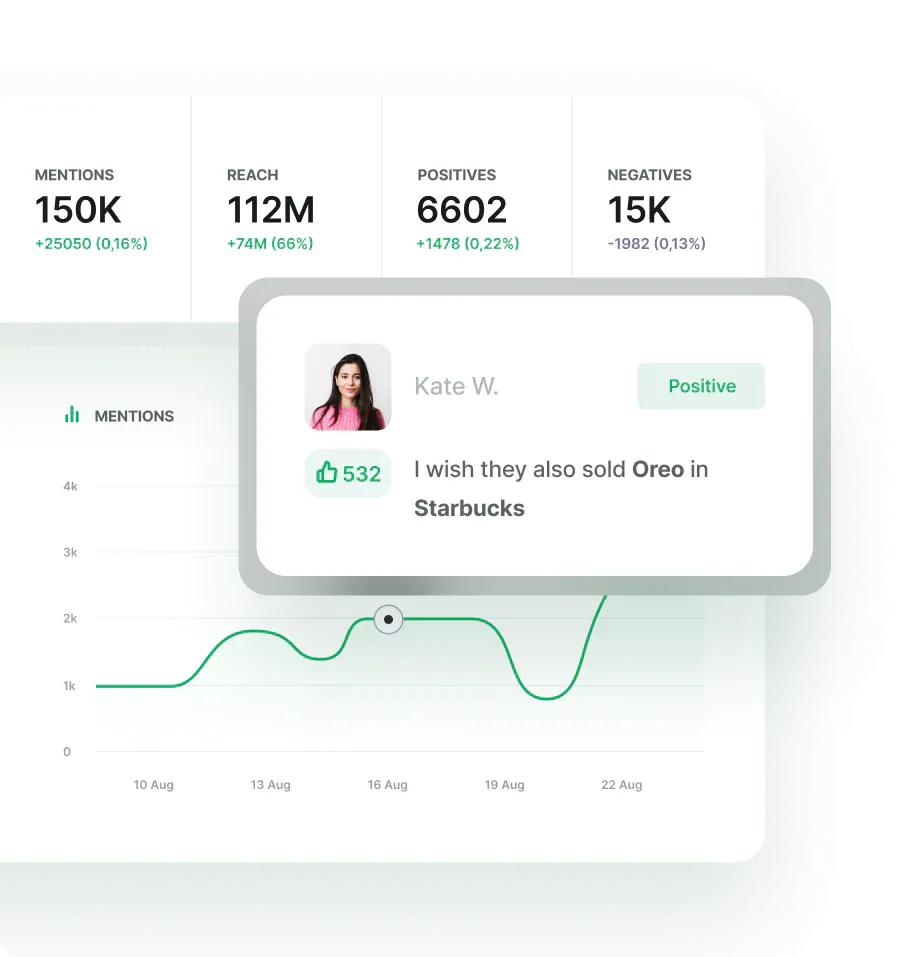
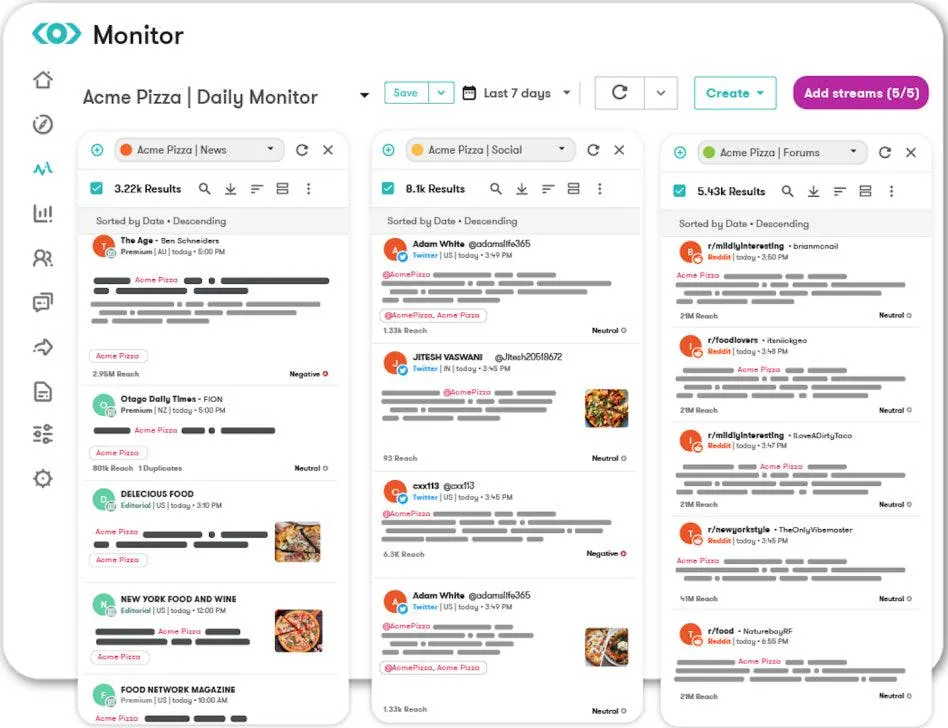
Spot, manage, and review reputation risks before they escalate.
See how this works for your team
Take the tour, then connect with our team for a tailored walkthrough using your goals, workflows, and data.

Prefer to have a tailored demo?
Top rated by PR, communications and marketing teams on G2




Request a meeting
Enter your work email to get started.

Media Intelligence FAQs
Yes, the AI search assistant helps you create, refine, and even translate your queries, so you don’t have to know Boolean to get started. You simply describe what you're looking for, and the AI suggests a structured query based on your criteria. It can also expand your query by adding keywords or related terms you might have missed, making it much easier to set up comprehensive monitoring. You still have full control to edit and expand the query at any time.
Spike detection automatically identifies unusual increases in mentions or shifts in sentiment. AI analyzes the sources, keywords, and themes contributing to the spike so you can quickly understand what’s driving the change. You can interact directly with the analytics to understand what's behind the change—whether it's a particular story, outlet, or topic. This helps you respond strategically to emerging issues or capitalize on positive momentum before it peaks.
You can access more than 10 years of historical news data and 15 months of historical social data. This allows you to pull last year’s coverage, analyze long-term trends, or compare current performance to previous periods. Historical access supports year-over-year reporting and deeper reputation analysis. You can apply custom timeframes to focus on exactly the window you need. The historical depth gives you the context you need to understand how narratives have evolved over time.
New mentions appear as they are captured by the platform’s monitoring system, enabling live analytics within your dashboard. As content matches your saved search criteria, it becomes visible for review and analysis. This supports monitoring of breaking news and emerging conversations. Real-time visibility helps teams respond quickly when coverage develops.
Absolutely. You can send alerts to email, the Meltwater web and mobile apps, Slack, and Microsoft Teams. This means your whole team can stay in the loop within the collaboration tools you already use. You can choose the destinations that best fit your workflow.
Alerts are triggered based on the criteria you set within your saved searches. You can define what qualifies as a meaningful mention, helping control how sensitive alerts are and reducing unnecessary noise. Notifications are sent as new content matches your query, so you’re informed as coverage breaks. This ensures you stay updated without being flooded with irrelevant alerts.
The AI identifies and summarizes themes, topics, narratives, and sentiment trends. It highlights the main drivers of brand performance to get clear, actionable insights and recommendations. You can also generate executive-ready Insight Reports directly from a saved search, where the AI compiles concise analysis and summaries to share with leadership.
Yes, you can use AI to tag and categorize content for specific workflows, which makes it easier to share coverage for crisis escalation, internal distribution, or newsletter curation. This automation helps you quickly organize large volumes of mentions and ensures the right content gets to the right teams. You can also apply your own tags to align with internal processes. It streamlines daily tasks so you can respond faster to what matters most.
Yes, you can search by publication name or URL to focus on specific outlets. Filters allow you to narrow results to high-reach sources or exclude publications that aren’t relevant. You can also customize your own editorial source list for more targeted monitoring. This gives you full control over which outlets you monitor and makes it easy to focus on the sources that matter most to your brand.
You can build dashboards with customized analytics tailored to your goals. The platform lets you visualize data with custom timeframes and allows you to focus on specific reporting periods. The dashboards are interactive, so you can explore the data directly from the visualization. This means you can build reporting views tailored to your specific goals and stakeholders.